
Close Menu
Hollywood News Reporter
  • Home
  • Film
  • Television
  • Box Office
  • Reality TV
  • Music
  • Horror
  • Books
  • Technology
  • Politics
  • Cover Story
  • Contact
    • About
    • Privacy Policy
    • DMCA / Copyright Disclaimer
    • Amazon Disclaimer
    • Terms and Conditions

Subscribe to Updates

Get the latest creative news from FooBar about art, design and business.

What's Hot

Tom Hardy Revives His Bane Voice on New Rap Album

Trump’s arch would harm historic sightlines: National Park Service

How To Save Money On Your Phone Bill With An MVNO

Facebook X (Twitter) Instagram
Hollywood News Reporter
  • Home
  • Film
  • Television
  • Box Office
  • Reality TV
  • Music
  • Horror
  • Books
  • Technology
  • Politics
  • Cover Story
  • Contact
    • About
    • Privacy Policy
    • DMCA / Copyright Disclaimer
    • Amazon Disclaimer
    • Terms and Conditions
Hollywood News Reporter
You are at:Home»Technology»How To Use Your Old Android Phone As A Wi-Fi Extender
Technology

How To Use Your Old Android Phone As A Wi-Fi Extender

By AdminAugust 29, 2026
Facebook Twitter Pinterest Telegram LinkedIn Tumblr Email Reddit
How To Use Your Old Android Phone As A Wi-Fi Extender


It’s a quick fix for that dead zone in your house.
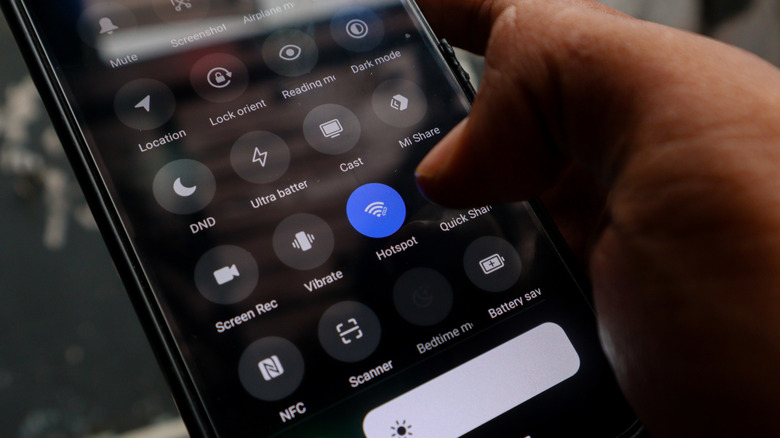

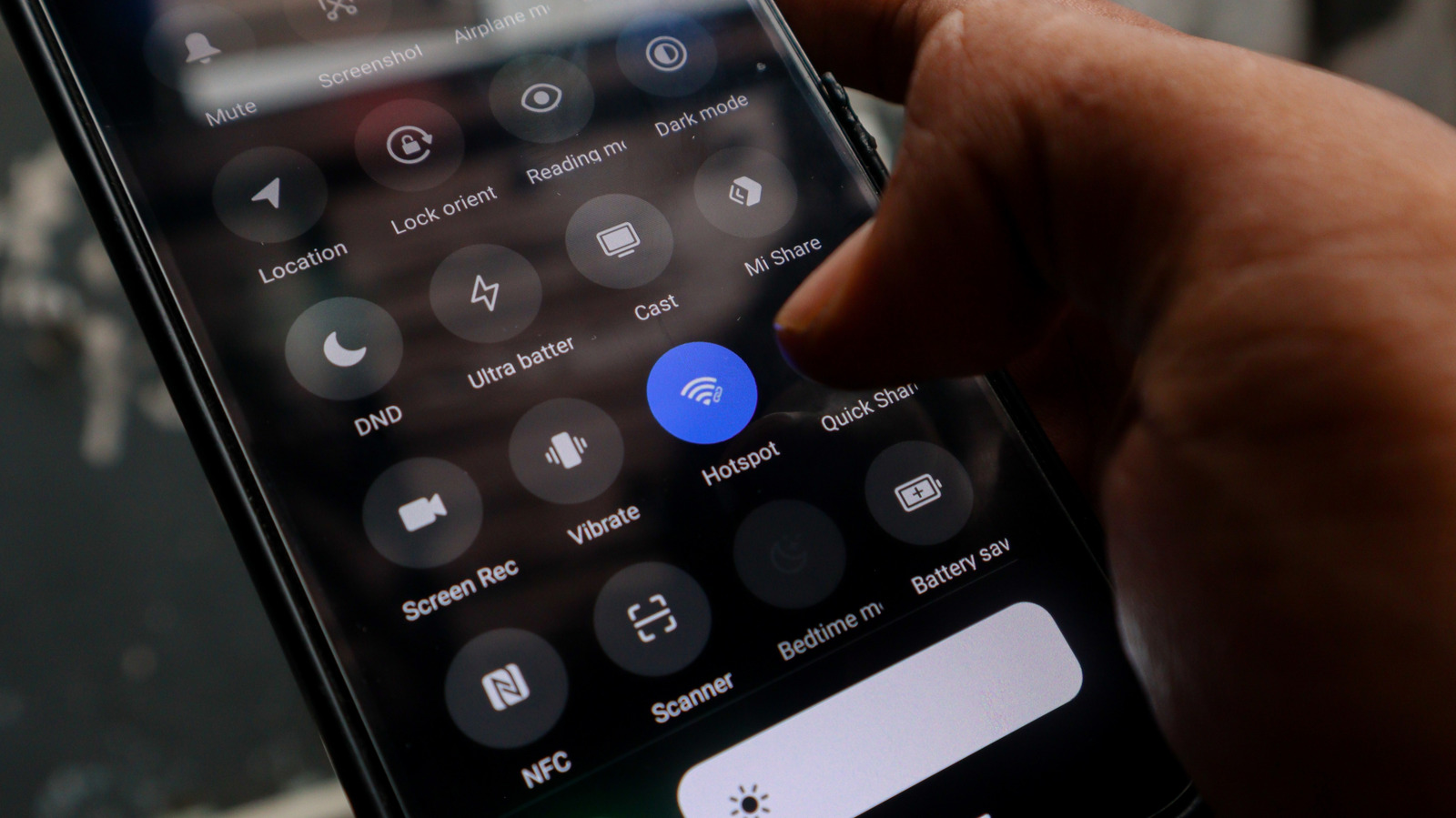
The screen of an Android smartphone with Hotspot turned on.
Eza_Nanda/Shutterstock

If you have an old Android phone gathering dust in a drawer somewhere, you may already have everything you need to fix the dead zones in your home Wi-Fi network. Instead of buying new hardware, be it an extender, a mesh node or a more powerful router, you could just use an old Android device. 

Most households have at least one old Android phone sitting forgotten somewhere, too outdated to use as a daily driver, but too functional to justify throwing it away. Before you drop it off for recycling, you should consider what it can still do for you. With nothing more than its built-in settings and a power outlet, that phone can pull double duty as a Wi-Fi extender, helping push your home network’s signal into those room corners where signal is patchy at best.

You don’t need any special apps, extra hardware or even advanced technical know-how. Android’s built-in hotspot feature lets your phone connect to your existing Wi-Fi network and act as a repeater to broadcast it as a separate signal, thus extending coverage.

What does an Android Wi-Fi extender actually do?

If your home has areas where the internet signal is weak, it can be quite annoying. While it’s true that some things can be done — did you know there was a right way to position your router’s antennas? — it can be a nuisance until fixed. There are things you can buy, of course. Upgrading to a mesh system or getting a new router can be quite expensive, while a Wi-Fi extender can put you back about $50, depending on model. That’s still money you could simply not spend by making use of tech you already have.

Your Android phone can connect to your existing home Wi-Fi network and rebroadcast the signal as a separate hotspot. You can then connect other devices, from laptops to tablets and smart TVs, to that Wi-Fi signal instead. Think of it as a signal relay, as the phone picks up Wi-Fi from your router and simply passes it along to other devices that need it. It’s not a mesh system, and it won’t perform as one, but it’s a free and low-effort fix for weak coverage areas.

How to set up your Android phone as a Wi-Fi extender

A pile of old Android smartphones.
MIRACLE PROJECT/Shutterstock

The process for this whole operation is quite straightforward and only takes a few minutes. Our starting point comes after you’ve already located your old Android phone, recharged it and run the latest updates.

  1. Open Settings, go to Network & Internet > Internet. Select your home Wi-Fi network and enter the password when prompted.

  2. Go to Settings > Hotspot and Tethering and toggle on Wi-Fi Hotspot. You can also find the Hotspot icon in the drop-down menu — you just need to know what all those Android status bar icons mean. 

  3. Tap the Wi-Fi hotspot to rename the network and set a strong password to secure your network and keep it easy to identify.

  4. If your phone supports it, you can select 5GHz under the speed or band settings. This will improve performance for nearby devices, but it offers a shorter range than 2.4GHz.

  5. Place your phone about halfway between your router and the dead zone you’re worried about. Make sure it’s near an outlet so you can easily keep it recharged. Old phones already have questionable battery life, and running a hotspot continuously will drain the battery fast.

The downside of this method is that the phone extends your existing Wi-Fi, but it won’t boost your internet speed in any way. If your internet is already slow, the hotspot won’t fix that. You also have to keep in mind that any commercial Wi-Fi extender or mesh node will outperform this Android-based solution.

Another thing to keep in mind when using this method is that there’s no smart home integration to speak of. Dedicated Wi-Fi extenders often support smart home ecosystems and seamless roaming, while an Android hotspot creates a separate network, so some smart home devices may not connect to it reliably. Plus, you’ll need to manually switch networks as you move around your home.

Android phone vs. commercial alternatives: Which is better?
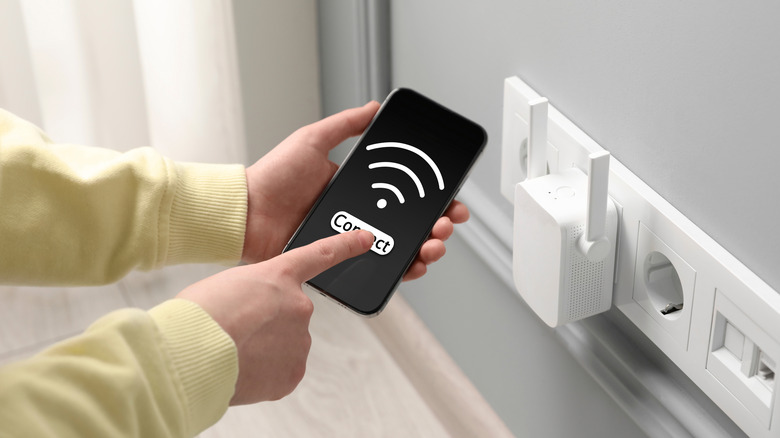

Wi-Fi extender plugged into an outlet and a person checking phone signal.
New Africa/Shutterstock

The answer to this question is one only you can deliver. Do you want to invest in your network at this point? An Android phone extender costs nothing, and it’s ideal as a temporary fix or supplementary solution for a single problem area. However, you’ll get much better range and performance from a commercial Wi-Fi extender, a mesh node or a new router. Go for the Android phone option if you need a quick fix and already have an unused device on hand. You could even try the USB tethering alternative for a more stable connection. It will make a surprisingly capable Wi-Fi extender for the right situation, the setup takes minutes, the cost is zero and it keeps a device out of the recycling bin. Just understand that this is a practical workaround, not a permanent network solution.


Original Source Link

Share. Facebook Twitter Pinterest LinkedIn Reddit WhatsApp Telegram Email
Previous ArticleIf You Love Twists, Try These Mystery & Thriller Books
Next Article Trump loses bid to transfer New York hush money case to federal court

Related Posts

How To Save Money On Your Phone Bill With An MVNO

August 30, 2026

Soundcore Liberty 5 Pro Review: Master of Phone Calls

August 29, 2026

The 31 Best Deals From the REI Labor Day Sale

August 28, 2026

Bluesky Has A New Setting To Help You Avoid Accidentally Going Viral

August 28, 2026

Submit Your Questions: The Great Data Center Backlash

August 27, 2026

Australia’s Recording Association Bans AI-Made Music From Charts

August 27, 2026
Recent Posts

Iran trade falls as sanctions pressure economy

Soundcore Liberty 5 Pro Review: Master of Phone Calls

A Scottish Isles Second-Chance Romance in Latest Jenny Colgan Novel

Fandango Expansion Continues With First Film ‘House Of Worship’ — Q&A

Kylie Jenner’s Lacy Lingerie Peeks Through Tiny Saint Laurent Coat

How Leatherface Got Me Over My First Break-Up

Jelly Roll Shocks With Alleged Romance Bunnie Gets Groove Back

Categories
  • Books (2,317)
  • Box Office (1,701)
  • Cover Story (61)
  • Featured Stories (37)
  • Film (2,334)
  • Horror (2,321)
  • Music (2,387)
  • Politics (1,485)
  • Reality TV (1,775)
  • Technology (2,327)
  • Television (2,201)
  • Uncategorized (1)
Archives
Useful Links
  • About
  • Contact
  • Privacy Policy
  • DMCA / Copyright Disclaimer
  • Amazon Disclaimer
  • Terms and Conditions
Popular Posts

Zara Larsson and PinkPantheress Finally Perform “Stateside” Live

August 24, 2026

Birdfy Nest Duo Review: My Own Private Nature Documentary

August 24, 2026

Sparks, Second Chances & Something More: New Romance Picks

August 24, 2026

U.S. Box Office Clicks Past $7 Billion Milestone Thanks to ‘Spider-Man’

August 24, 2026

Queen Camilla’s Rare Gesture Towards Prince Harry & Meghan Markle Comes To Light — Report

August 24, 2026

Macron, Burnham, Merz to co-chair Ukraine discussions.

August 24, 2026

Night Terror Should Have Trusted the Dark

August 24, 2026
Categories
  • Books (2,317)
  • Box Office (1,701)
  • Cover Story (61)
  • Featured Stories (37)
  • Film (2,334)
  • Horror (2,321)
  • Music (2,387)
  • Politics (1,485)
  • Reality TV (1,775)
  • Technology (2,327)
  • Television (2,201)
  • Uncategorized (1)
Recent Posts
  • Tom Hardy Revives His Bane Voice on New Rap Album
  • Trump’s arch would harm historic sightlines: National Park Service
  • How To Save Money On Your Phone Bill With An MVNO
  • Book Riot’s Romance Deals for August 29, 2026
  • Dark Comedy ‘Buddy’, Thriller ‘Colony’
  • Kylie Jenner Flashes Lingerie in Unbuttoned Tom Ford Shirt & Sheer Skirt
  • Watch an Exclusive Flamethrower Clip from EVER AFTER
Our Picks

Tom Hardy Revives His Bane Voice on New Rap Album

Trump’s arch would harm historic sightlines: National Park Service

How To Save Money On Your Phone Bill With An MVNO

Book Riot’s Romance Deals for August 29, 2026

© 2026 Hollywood News Reporter. All rights reserved. All articles, images, product names, logos, and brands are property of their respective owners. All company, product and service names used in this website are for identification purposes only. Use of these names, logos, and brands does not imply endorsement unless specified. By using this site, you agree to the Terms & Conditions and Privacy Policy.

Type above and press Enter to search. Press Esc to cancel.

We use cookies on our website to give you the most relevant experience by remembering your preferences and repeat visits. By clicking “Accept All”, you consent to the use of ALL the cookies. However, you may visit "Cookie Settings" to provide a controlled consent.
Cookie SettingsAccept All
Manage consent

Privacy Overview

This website uses cookies to improve your experience while you navigate through the website. Out of these, the cookies that are categorized as necessary are stored on your browser as they are essential for the working of basic functionalities of the website. We also use third-party cookies that help us analyze and understand how you use this website. These cookies will be stored in your browser only with your consent. You also have the option to opt-out of these cookies. But opting out of some of these cookies may affect your browsing experience.
Necessary
Always Enabled
Necessary cookies are absolutely essential for the website to function properly. These cookies ensure basic functionalities and security features of the website, anonymously.
CookieDurationDescription
cookielawinfo-checkbox-analytics11 monthsThis cookie is set by GDPR Cookie Consent plugin. The cookie is used to store the user consent for the cookies in the category "Analytics".
cookielawinfo-checkbox-functional11 monthsThe cookie is set by GDPR cookie consent to record the user consent for the cookies in the category "Functional".
cookielawinfo-checkbox-necessary11 monthsThis cookie is set by GDPR Cookie Consent plugin. The cookies is used to store the user consent for the cookies in the category "Necessary".
cookielawinfo-checkbox-others11 monthsThis cookie is set by GDPR Cookie Consent plugin. The cookie is used to store the user consent for the cookies in the category "Other.
cookielawinfo-checkbox-performance11 monthsThis cookie is set by GDPR Cookie Consent plugin. The cookie is used to store the user consent for the cookies in the category "Performance".
viewed_cookie_policy11 monthsThe cookie is set by the GDPR Cookie Consent plugin and is used to store whether or not user has consented to the use of cookies. It does not store any personal data.
Functional
Functional cookies help to perform certain functionalities like sharing the content of the website on social media platforms, collect feedbacks, and other third-party features.
Performance
Performance cookies are used to understand and analyze the key performance indexes of the website which helps in delivering a better user experience for the visitors.
Analytics
Analytical cookies are used to understand how visitors interact with the website. These cookies help provide information on metrics the number of visitors, bounce rate, traffic source, etc.
Advertisement
Advertisement cookies are used to provide visitors with relevant ads and marketing campaigns. These cookies track visitors across websites and collect information to provide customized ads.
Others
Other uncategorized cookies are those that are being analyzed and have not been classified into a category as yet.
SAVE & ACCEPT